Free online conversion in your browser—private, local, multi-page ZIP. No account. No server upload for conversion.
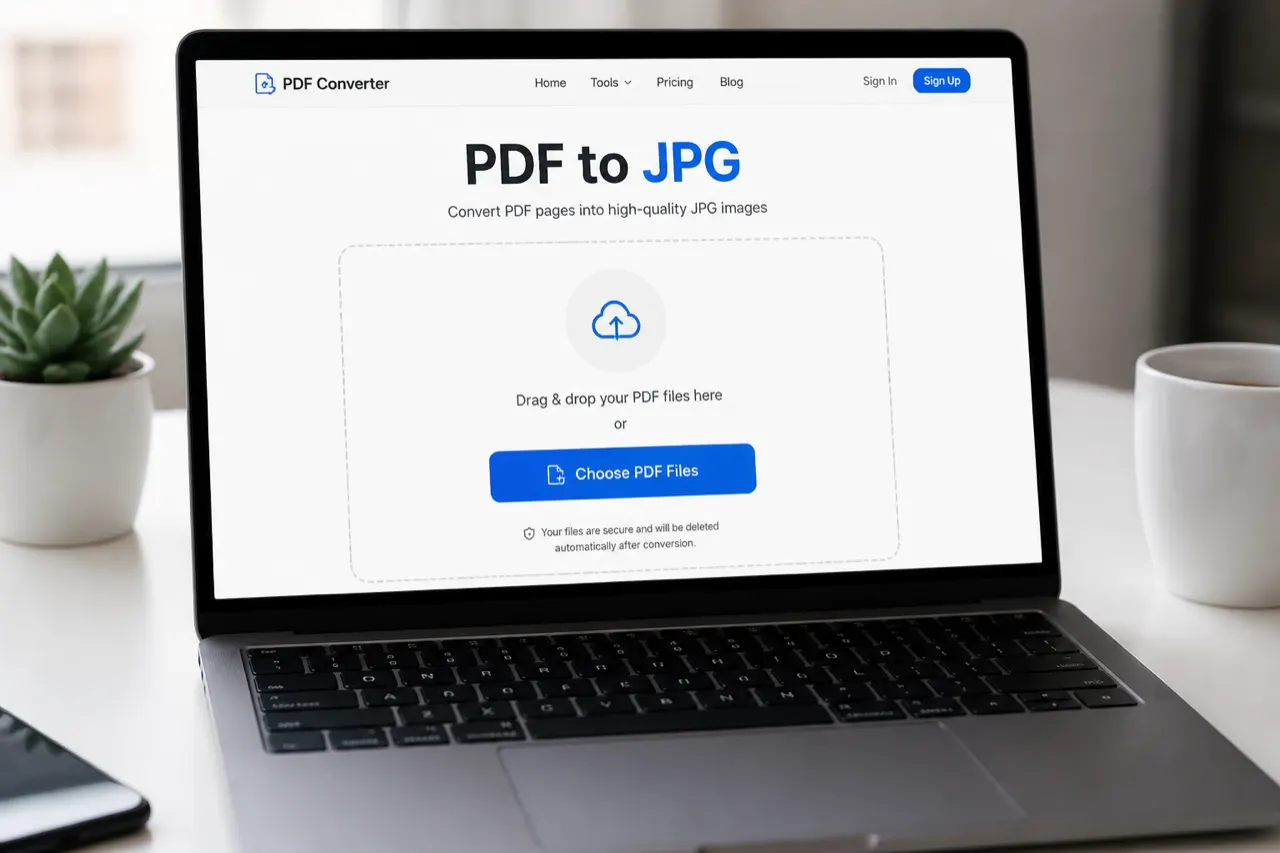
Drop PDF files here
Select one or multiple PDFs · Auto-converts locally · No uploads
Advanced options
Higher scale = sharper images and larger files. Default 2× works well for most documents.
Applies only when output is JPG. PNG is lossless for the rendered canvas.
Your PDFs stay on this device.
0 of 0 pages ready
How to
How to convert PDF to JPG free online
A practical PDF to JPG job should start in the first screen—not after a signup funnel. Use the converter above as a free online path: choose a document, let each page render locally, then download JPG images or one ZIP. No account is required to start.
Step 1
Choose PDF documents
Tap Choose PDF Files and select one or several documents. Each PDF page will become its own JPG image.
Step 2
Wait while pages render locally
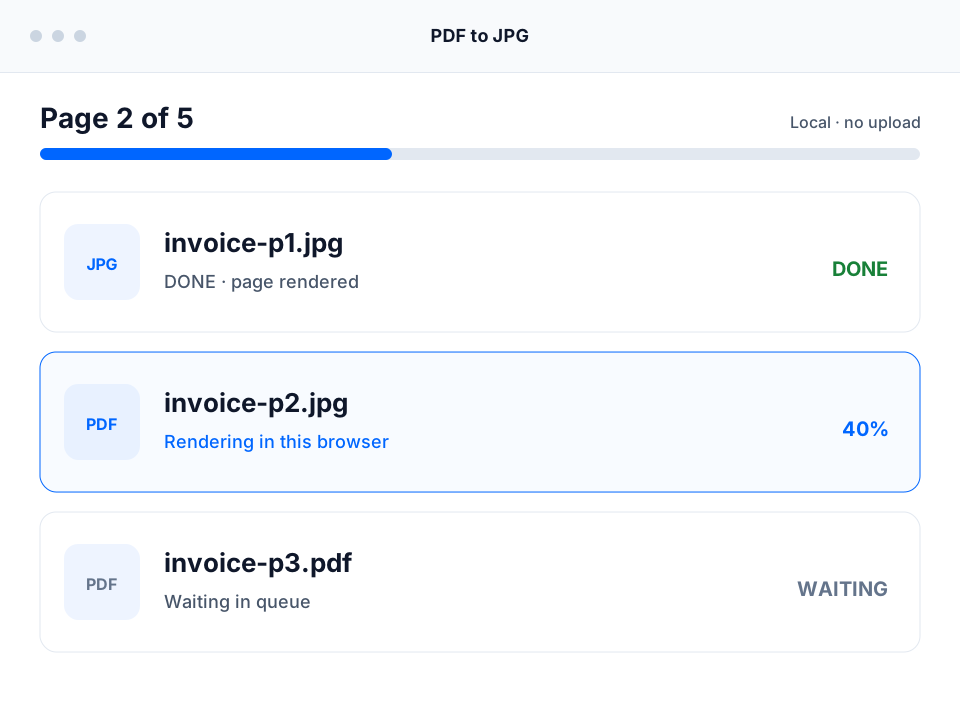
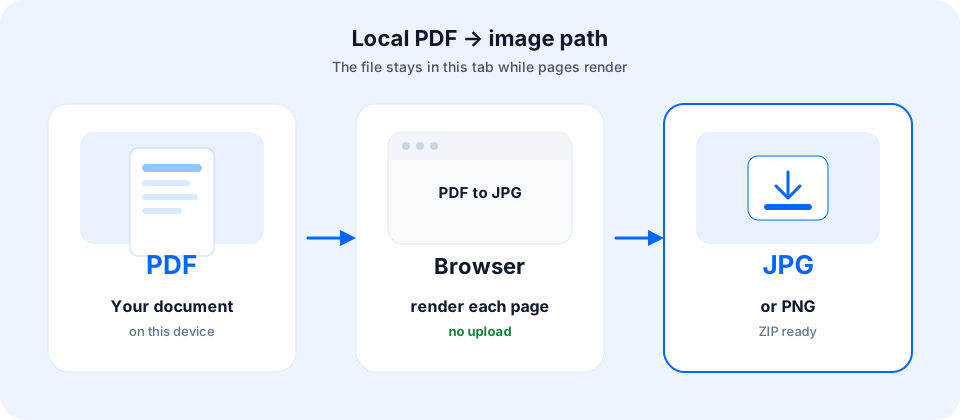
PDF.js renders each page in the browser and encodes JPG output on your device. The queue reports live page progress.
Step 3
Download each JPG or the ZIP
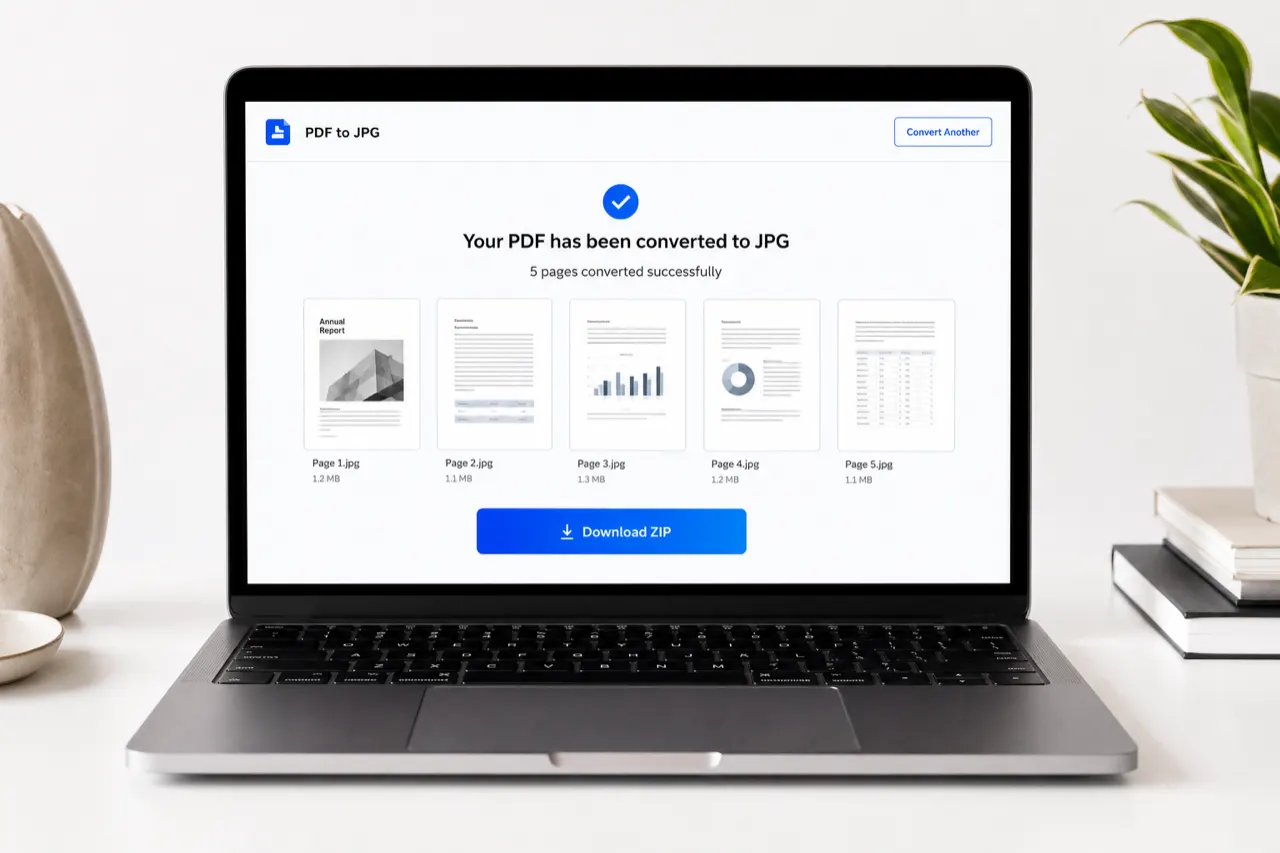
Save a finished page immediately with Download JPG, or package every ready page using Download all as ZIP.
When you are finished on a shared computer, clear the queue to free browser memory and revoke temporary image URLs. This stays a direct local workflow rather than an upload black box.
Why this page
Why convert PDF to image in the browser?
You convert PDF to image when a form only accepts photos, when a client wants a gallery of pages, or when email needs a simple JPG attachment. Searchers type “convert PDF to image,” “online converter,” and “PDF to PNG converter” for the same job family: turn document pages into shareable pictures without redesigning the file in a design app.
Upload converters force every page through a remote server. That is convenient for some teams and risky for contracts, tax forms, medical letters, and ID scans. Our PDF to JPG path keeps document bytes on the device for conversion—the same privacy model as our HEIC photo tool on the homepage.
Quality
High quality output: scale, quality, and DPI-like sharpness
“High quality” usually means readable text and clean edges, not a magic 1200 DPI claim. This tool exposes two real controls for sharper PDF to JPG results:
Render scale (default 2×) multiplies the page viewport before encoding. Higher scale = more pixels = sharper output and larger files.
JPG quality (default 92) controls JPEG compression after render. Raise it for less banding; lower it for email-friendly sizes.
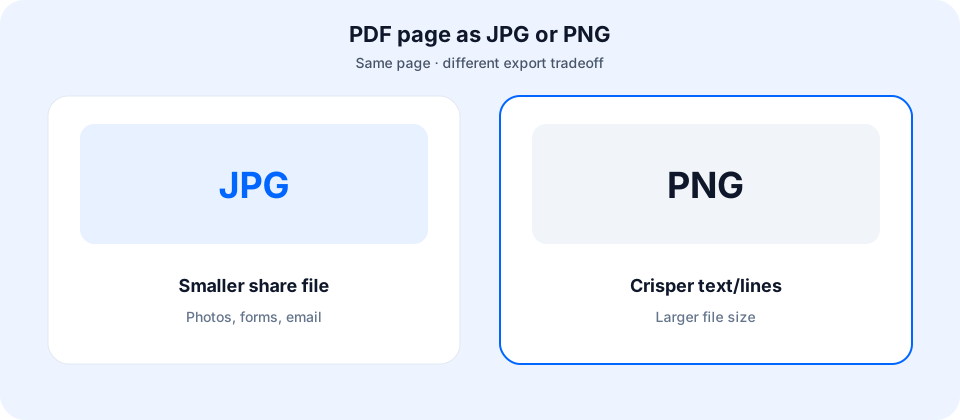
If you need maximum edge fidelity for diagrams, use PDF to PNG instead of pushing JPG quality alone. PNG exports the rendered canvas without JPEG quantization. Neither option rewrites the original document—always keep the source for archival truth.
Multi-page
Multi-page PDF to JPG: one image per page and ZIP download
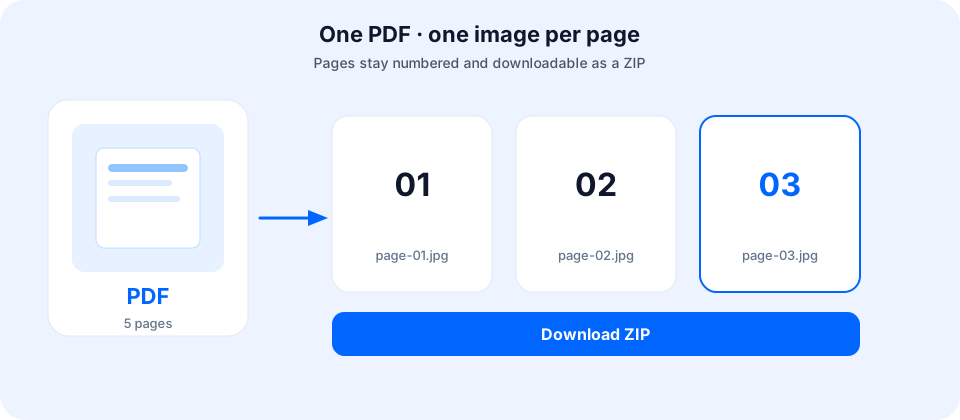
Multi-page files expand into a queue: page 1 becomes document-p1.jpg, page 2 becomes document-p2.jpg, and so on. That matches how people use this converter for invoices, slide decks, and scanned packets—they want separate images, not a single collage.
You can download any finished page before the full job ends. When enough pages are ready, Download all as ZIP packs them client-side so you are not waiting on a remote archive worker. Partial success is intentional: a failed page can Retry without wiping successful results.
Free
PDF to JPG free no sign up — and what “free” still cannot hide
Dropdown searches for “PDF to JPG free,” “free no sign up,” and “convert PDF to image online free” reflect a real frustration: tools that start free then demand email, watermarks, or a downloadable installer. This converter stays usable without an account.
Free does not mean infinite RAM. A hundred-page scan at 3× scale can stall a phone browser. Prefer a laptop for large jobs, lower scale if the tab struggles, and clear finished items between waves. Those limits are device physics—not a paywall dressed up as “premium speed.”
Safety
Is PDF to JPG safe? Local conversion vs server upload
People ask whether online conversion is safe—and even look up “safe reddit” threads—because documents often contain personal data. Safety depends on architecture. If a site uploads your file, you trust their storage, staff access, and deletion policy. If conversion is local, the main residual risk is the page code itself and whatever analytics load after you consent—not a permanent copy of your document on someone else’s disk for conversion.
Our model: file bytes are read in the browser, rendered with open-source PDF.js, encoded to JPG/PNG via canvas, and offered as downloads from object URLs on your machine. We do not ask you to create an account. We do not claim we can decrypt password-protected files. Review the Privacy page for product telemetry boundaries.
Devices
PDF to JPG on Windows, Mac, and iPhone
“How to convert on Windows,” “on Mac,” and “on iPhone” are common follow-ups. On Windows and Mac laptops, Chrome or Edge usually give the smoothest multi-page experience. On Mac you can also use Preview for simple exports, but batch ZIP from a private web tool is often faster when you already have a browser open.
On iPhone, Safari or Chrome can run short jobs; long scans are better on a computer. You do not need a separate converter download if the browser path works for your file size. Adobe Acrobat remains an option when you need enterprise features, redaction, or password workflows this free local tool does not provide.
JPG or PNG
When to use PDF to JPG vs PDF to PNG
Goal
Prefer
Email, messaging, web forms that ask for photos
JPG (default quality 92)
UI screenshots, diagrams, thin text
PNG or higher render scale
Many pages for a client gallery
JPG + ZIP download
Legal archive of the original document
Keep the PDF; use images only for sharing
Table is operational guidance for this browser converter, not a claim that JPG equals print-shop master files.
Limits, failures, and honest expectations
Password-protected PDFs — not supported; unlock first elsewhere.
Broken or exotic PDFs — rare fonts, XFA, or corrupt streams may fail; try re-exporting from the source app.
Huge page counts — split the document or lower scale; concurrency stays at one page at a time for stability.
Text extraction / editable Word — out of scope. This is PDF to JPG (and PNG) image export, not OCR or PDF to DOCX.
Watermarks — we do not stamp marketing watermarks on your images.
Need another run after reading this guide? Jump back to the PDF to JPG tool at the top—same free local engine, no account wall.
FAQ
PDF to JPG FAQ
Is this PDF to JPG converter free with no sign up?
Yes. It is free online with no account, no email gate, and no paid “unlimited pages” wall. Practical limits come from your device memory and browser, not a site quota.
How do I convert PDF to JPG free online?
Open this page, choose or drop a PDF, wait while each page renders locally to JPG, then download pages one by one or as a ZIP. You do not need Adobe Acrobat or a desktop install for this browser path.
Is it safe to convert PDF to JPG online here?
For typical private documents, yes: conversion runs in your browser with PDF.js and canvas so file bytes are not uploaded to our servers for conversion. HTTPS serves the page. Always keep originals until you verify outputs.
How do I convert without losing quality?
Raise render scale (default 2×) for sharper pixels and use a high JPG quality (default 92). JPG is still lossy, so “without losing quality” is not mathematical lossless—choose PNG when you need a lossless canvas export for text-heavy pages.
Can I convert PDF to PNG as well?
Yes. Under Advanced options, switch output format from JPG to PNG. PNG is better for crisp diagrams and screenshots; JPG stays the default for smaller shareable files.
Does multi-page conversion create one image per page?
Yes. Each page becomes its own image (named like document-p1.jpg). Download any finished page immediately or use Download all as ZIP when the queue is ready.
Can I convert password-protected PDFs?
Not yet. Encrypted or password-protected files usually fail to open in this tool. Unlock them in a trusted PDF app first, then convert here. We do not offer password removal or bypass.
How do I convert on Windows, Mac, or a laptop?
Use a modern browser (Chrome, Edge, Firefox, or Safari) on Windows, Mac, Chromebook, or Linux. No codec pack or desktop converter install is required for this local workflow.
Can I convert on iPhone?
Yes in a mobile browser that can load the tool and render pages, but large multi-page documents are more reliable on desktop or laptop because of memory. For a few short pages, iPhone often works fine.
Do I need to download a converter app?
No. This is browser-based—nothing to install. If you searched for an offline installer, use this page instead unless you specifically need desktop software.
How is this different from Adobe or upload-based sites?
Many popular tools upload your file to a server, then return images. We render pages on-device so sensitive invoices, IDs, and contracts never leave the browser for conversion. Upload tools may still fit bulk server pipelines; local conversion fits personal documents.
Is there a page or file size limit?
We do not set an artificial free-tier page cap. Very large files, high render scales, or long page counts can exhaust browser memory—split the document or lower scale if the tab slows down.
We'd Love to Hear From You! 💬
Your feedback helps us make heictojpg.im better
Hey there! 👋 Got something to share? Whether it's a bug, an idea, or just a quick thought — we're all ears!