
Files stay in this tab
PNG decoding and JPEG encoding run with createImageBitmap and canvas. This png to jpg path does not upload your screenshot bytes to a conversion API, which is the usual trade-off on sites that delete files after a few hours.
Free · Batch JPG · Files stay local
Convert png to jpg free in your browser. Batch screenshots and design exports, preview every JPG, and keep the originals on your device.
Drop PNG files here
Select one or multiple PNG files · Auto-converts locally · No uploads
Higher quality = larger files. Default 92 keeps original pixel dimensions (lossy JPG, not mathematical lossless). Transparent PNG pixels become white.
Your photos stay on this device.
Key features
This png to jpg converter is built for the actual job: take a PNG that email, a form, or a chat app will not accept, write a JPG copy, and leave with the file—without a signup funnel.
PNG decoding and JPEG encoding run with createImageBitmap and canvas. This png to jpg path does not upload your screenshot bytes to a conversion API, which is the usual trade-off on sites that delete files after a few hours.
Select one PNG or a whole group for png to jpg. Every item has its own status, in-page preview, retry action, JPG download, and a shared ZIP option when more than one file is ready to leave the page.
Output keeps the source width and height. Quality defaults to 92 so email, Windows apps, and older CMS fields get a compatible JPG without an extra resize hiding in the main convert path.
Because the browser already decodes PNG, conversion starts as soon as you choose files. There is no queue on someone else’s server and no holding pen that expires your download link overnight.
What is it?
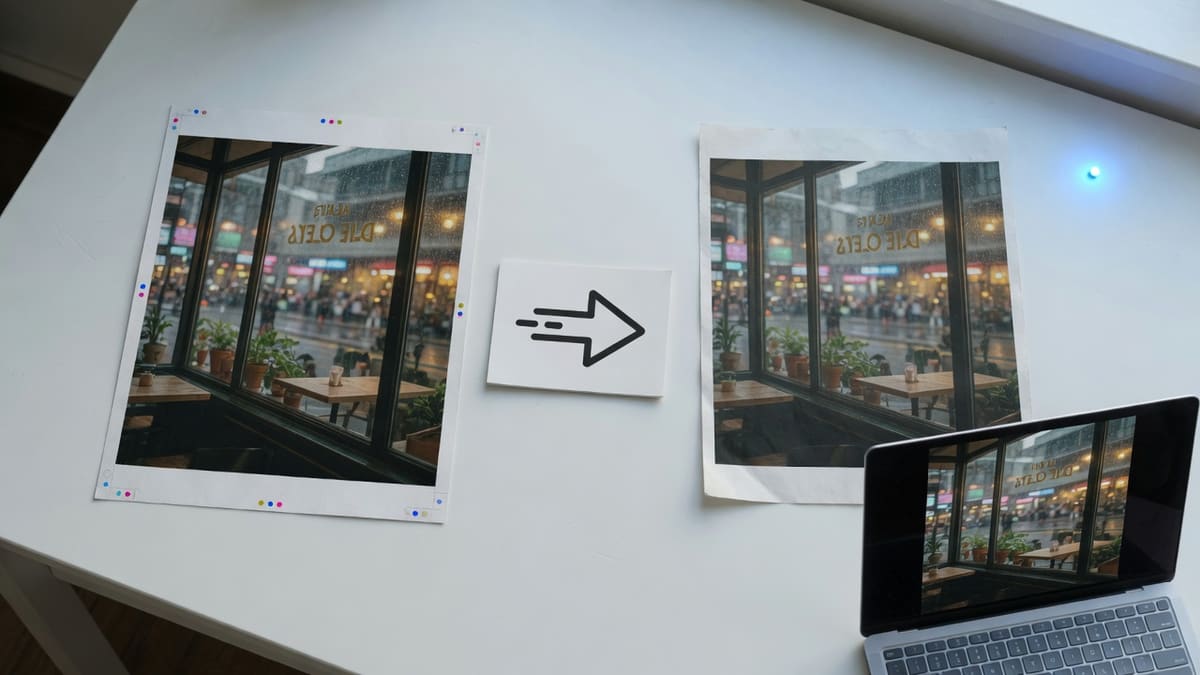
PNG to JPG conversion decodes a Portable Network Graphics still and writes the visible pixels as a JPEG file. JPG opens in nearly every viewer, email client, and printer queue. That is why people search png to jpg after a screenshot, a design export, or a lossless save lands as .png and then fails an upload rule.
The formats are not clones. PNG is lossless, may include an alpha channel, and is often huge for photos. JPEG is a still, lossy, opaque bitmap. This tool creates a practical still-image JPG: original pixel dimensions, white behind any transparency, and no extra crop in the main path.
Format guide
An email client, form, printer, or upload field rejects PNG or chokes on the file size, and you need the broadest everyday photo type.
You still want transparency, crisp UI edges, or a lossless archive. Convert a copy rather than deleting the source.
Supported: input .png; output .jpg. Related: HEIC to JPG, HEIC to PNG, PDF to JPG, WEBP to JPG, and AVIF to JPG.
How to
The whole png to jpg workflow stays on one page. There is no separate upload screen, processing dashboard, or account handoff. Choose files, watch the queue, and download without leaving this converter.
Step 1
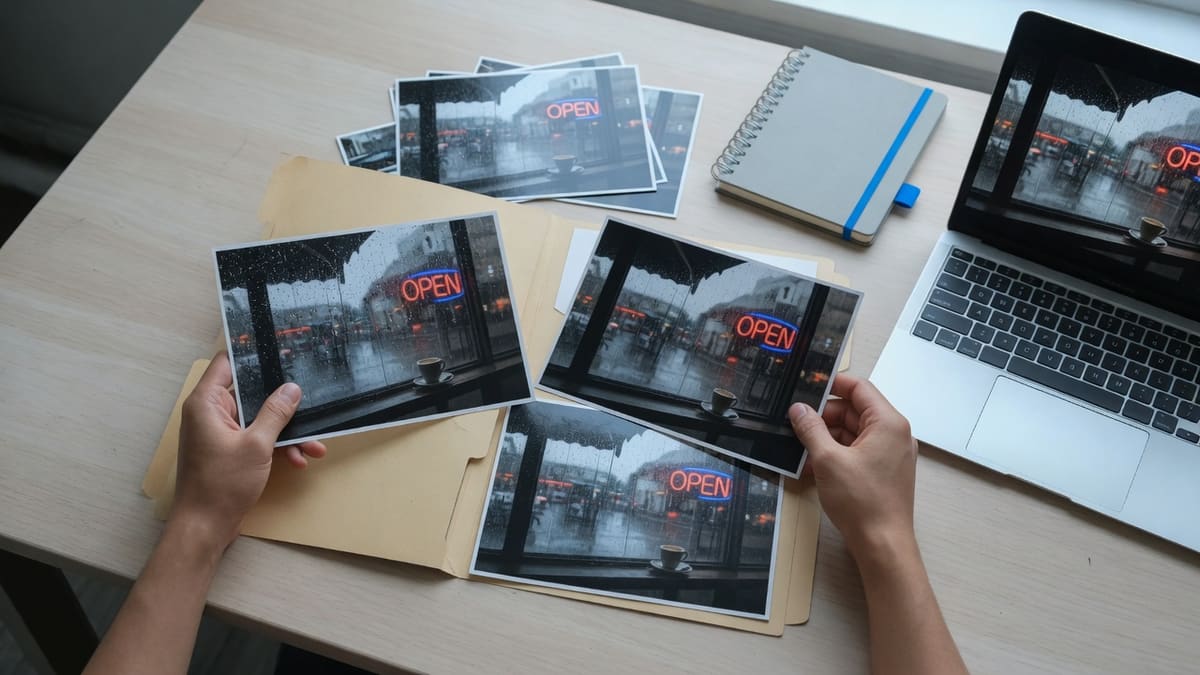
Choose one or multiple .png files, or drop the group into the converter. Conversion starts automatically on this page.
Step 2
The browser decodes each PNG and writes a JPG on this device. Per-file png to jpg progress lets successful images finish even if another item fails.
Step 3
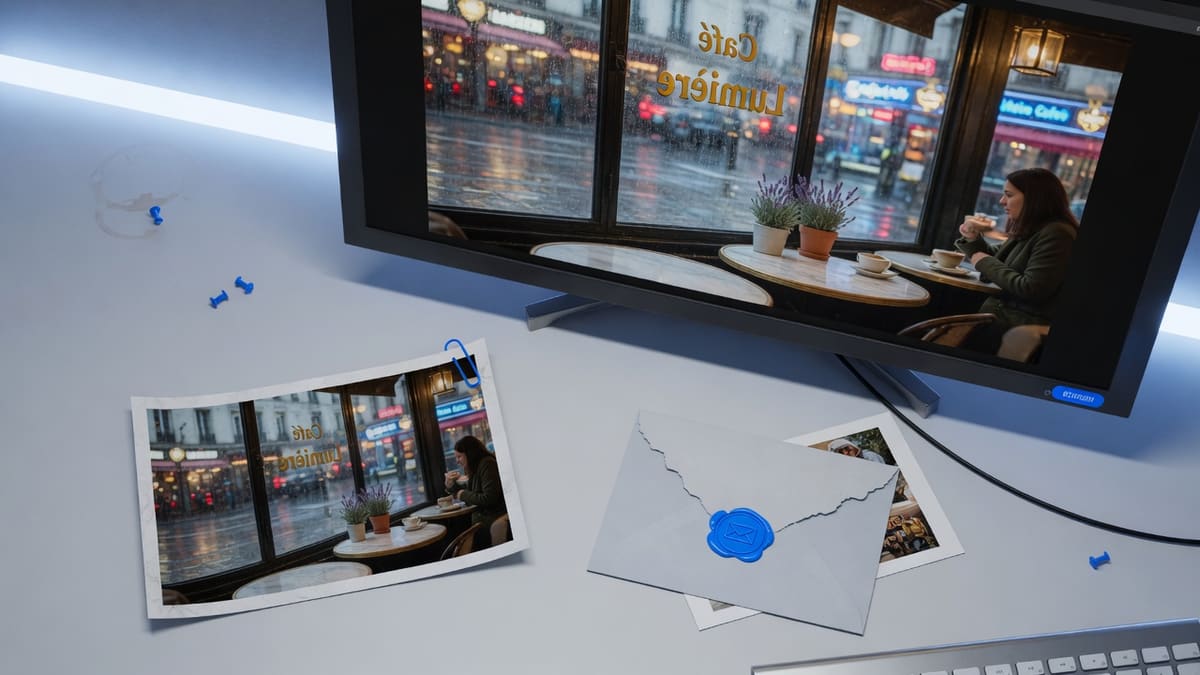
Open the in-page preview to confirm the file, download any completed JPG immediately, or package the batch as one local ZIP.
Why choose it
It is intentionally narrower than a general editor: fewer decisions before a png to jpg conversion, clearer privacy boundaries, and output you can download immediately.
Open the page, choose files, and download. There is no email gate or account step between the PNG and this png to jpg output, which is the delay most upload converters add before the first result.
One damaged or unusually encoded PNG does not block the rest of the queue. Completed JPG files remain available while failed items can retry without starting the whole batch over.
Use this page when a form, mailbox, or chat app rejects a bulky PNG. Use the homepage HEIC converter when the source is an iPhone photo, the WebP converter for Chrome saves, and the AVIF converter for modern CDN stills.
The conversion path uses browser memory and local object URLs. Standard page requests still reach the host, but image bodies do not power a conversion API or sit in an eight-hour deletion bucket.
Pro tips
The useful choice for png to jpg is destination, not a pile of hidden sliders. Use the receiving app and the importance of the source file to decide quality and whether to keep the PNG.
Common limitation A JPG can be smaller than a PNG and still be correct. Lossy encoding does not restore transparency, vector sharpness, or metadata the browser decoder does not expose.
Expect a smaller file for photos: JPG is often a fraction of a PNG screenshot or camera export. That swing is normal, not a failed conversion—PNG is lossless and stores every pixel.
Keep the PNG master: A JPG is a compatibility copy. Keep the original when you still need transparency, crisp UI edges, or a lossless archive.
White fills transparency: JPEG has no alpha channel. Transparent pixels become white here. If you need a see-through background, keep the PNG instead of forcing a JPG.
Logos and UI stills lose sharp edges first: If the PNG is a logo or a text-heavy screenshot, inspect the preview before you send it. Photos tolerate JPEG better than fine type.
Use cases / recommended settings
Default quality 92 and original dimensions cover most png to jpg jobs. Change quality only when the destination is picky about file size or artifacts.
JPG quality 92 · Original dimensions
JPG quality 92 · Original dimensions
Phone and desktop screenshots often save as PNG and balloon past email limits. Convert png to jpg when Gmail, Outlook, or a workplace chat rejects the attachment, then send the JPG copy.
Quality 92 · Check the size limit first
Quality 92 · Check the size limit first
Job portals, school forms, and older CMS fields often list JPG/JPEG only. Convert png to jpg, confirm the preview, then upload the downloaded file.
JPG output · Single files or small batches
JPG output · Single files or small batches
A product photo saved as PNG can be several times larger than JPEG at a similar look. Convert when the destination is social, print-adjacent, or a CMS that throttles large stills.
Multi-select · Download all as ZIP
Multi-select · Download all as ZIP
For classroom, client, or archive handoffs, convert several PNG files together and download the completed JPG set as one local ZIP archive.
FAQ
Direct answers about free bulk conversion, iPhone, Photoshop, quality, privacy, transparency, file size, and URL uploads.
Open this page, choose one or several PNG files, wait while the browser writes JPG copies locally, then download each file or one ZIP. You do not need an app install, a Photoshop export, or an account for this path.
Yes. The converter is free online with no signup wall and no paid daily quota. Practical limits come from your device memory and the 250 MB per-file safety ceiling, not from a conversion credit system.
Open this page in Safari or Chrome on iPhone, choose the PNG from Photos or Files, wait for the preview, and download the JPG. Large batches are still more comfortable on a laptop because mobile tabs have less memory.
If a screenshot, logo, or design export landed as PNG, bring that file here instead of opening Photoshop. The converter writes a .jpg you can attach to email, upload to forms that only list JPG, or send in chat apps that choke on huge PNGs.
JPG is lossy, so a second encode can add compression artifacts even at a high quality setting. Default quality 92 keeps original pixel dimensions and is usually enough for chat, email, and print-adjacent sharing. Keep the PNG master when you still need lossless pixels or transparency.
Yes. Select multiple .png files in one picker action or drop a group on the converter. Each item shows its own preview, retry control, and JPG download, and finished files can pack into one local ZIP.
No conversion upload is required. Decoding, JPEG encoding, previews, and ZIP packaging run in this browser tab with createImageBitmap and canvas. Ordinary HTTPS page requests still reach the host, as the Privacy Policy explains.
No. JPEG has no alpha channel, so this converter paints a white background before encoding. If you need a see-through background, do not use this page—keep the PNG or export another lossless format instead of forcing a JPG.
PNG is lossless and often huge, especially for screenshots and photos saved without compression. JPG is usually much smaller for camera-like pictures, which is why email, older CMS fields, and some social uploads still ask for JPEG. Convert a copy when size or type rules matter; keep the PNG when edges and transparency matter.
No. Search often suggests Photoshop because designers already have it open. This page converts inside the tab you already opened, without a plugin, a desktop install, or a Creative Cloud login.
Each input has a 250 MB hard safety ceiling. There is no paid file-count cap. Very large screenshots can still fail if the tab runs out of memory—retry on a desktop with more RAM, or convert a smaller crop first.
Not on this page. We only convert files you select from this device so image bytes never go to a conversion API. Download the PNG first, then drop it here. Cloud-drive and URL fetch converters are a different product.
Not both at once. JPEG compression reduces bytes by discarding detail your eye barely notices. Default quality 92 keeps the original width and height, so pixel dimensions stay the same while the file usually gets smaller. If you need a mathematical lossless copy, keep the PNG.
This page converts to JPG at original pixel size with a quality slider. It is not a kilobyte-cap compressor and it does not crop. If a form needs a specific byte budget, convert here first, then use a dedicated compressor, or lower the quality slider and check the output size.
Ready when you are
Return to the png to jpg converter, choose one file or a batch, and download real JPG results without sending the images to a conversion server.
Choose PNG filesYour feedback helps us make heictojpg.im better
Hey there! 👋 Got something to share? Whether it's a bug, an idea, or just a quick thought — we're all ears!
Thank you for your feedback! 💛